I wanted this Images 2.5 post to do more than repeat a launch announcement. So this gallery takes six themes from the blog—motorcycle escapes, agent systems, human oversight, useful automation, frontier models and video attention—and turns them into a small visual library.
What is here: six original images, their exact prompts, and a seventh image made by editing the first. Click any image to open the full-size version.
How these were made: GPT-Image-2.5 Flare through Higgsfield on September 9, 2026, using high quality and the service’s 2K setting. Returned images are 2688 × 1520 pixels. These are model examples, not a test of the ChatGPT app. No personal photos were supplied. All scenes are AI-generated illustrations.
What changed with ChatGPT Images 2.5?
OpenAI announced Images 2.5 on September 8. Its stated improvements include sharper detail, more precise edits and better consistency across repeated revisions. OpenAI also reports up to 50% lower generation latency than Images 2.0. That speed claim comes from OpenAI; this gallery does not measure it.
The announcement adds Sketch, image comments, templates and prompt sharing in ChatGPT. For developers, OpenAI introduced Flare and Sunburst variants. This gallery uses Flare only: it does not compare the variants or test Sketch, comments, templates or multi-turn editing.
Sources: OpenAI’s announcement and 9to5Mac’s independent coverage. Both were checked September 9.
The image library
A shared palette of cream, sage, terracotta and brass ties most of the series together. Different compositions keep it from becoming six versions of the same picture.
1. The Road After the Build
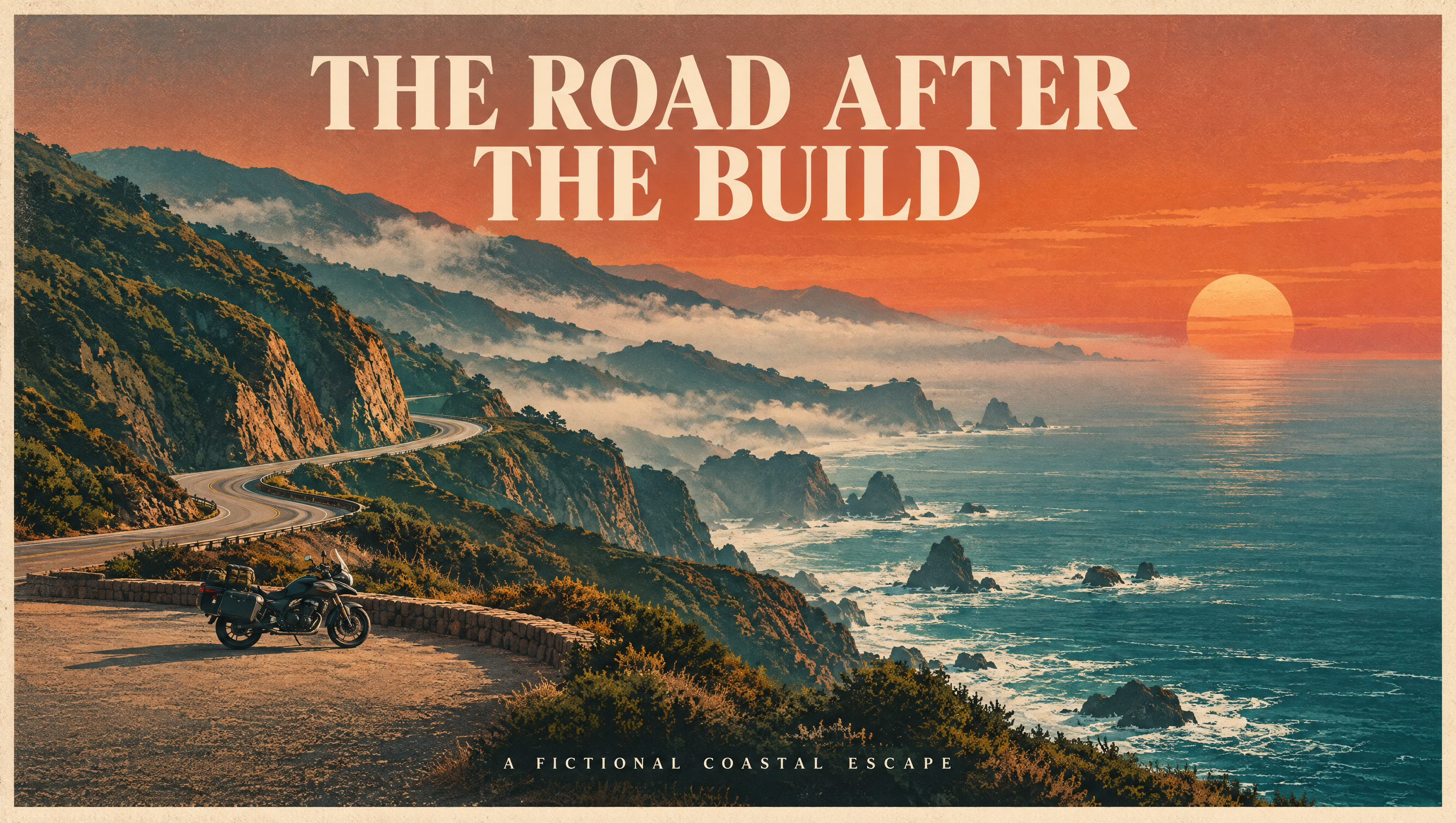
A fictional coastal escape connects this gallery to the riding side of the blog. The title and subtitle are legible, and the motorcycle has a clear place in the composition. This is invented scenery, not a photograph of a ride or evidence that any real road is open.
Copy the exact prompt
A breathtaking fictional coastal motorcycle travel poster, screenprint meets refined cinematic illustration. Winding ribbon road on monumental coastal cliffs, teal ocean, terracotta sunset, tiny unbranded parked touring motorcycle on a wide turnout, no people. Dramatic negative space and layered fog, cream paper grain. Tasteful large exact typography: ‘THE ROAD AFTER THE BUILD’. Small exact subtitle ‘A FICTIONAL COASTAL ESCAPE’. No real location, no map, no logos. Highly designed editorial cover, not a real travel photograph.
2. Inside the Agent Workshop
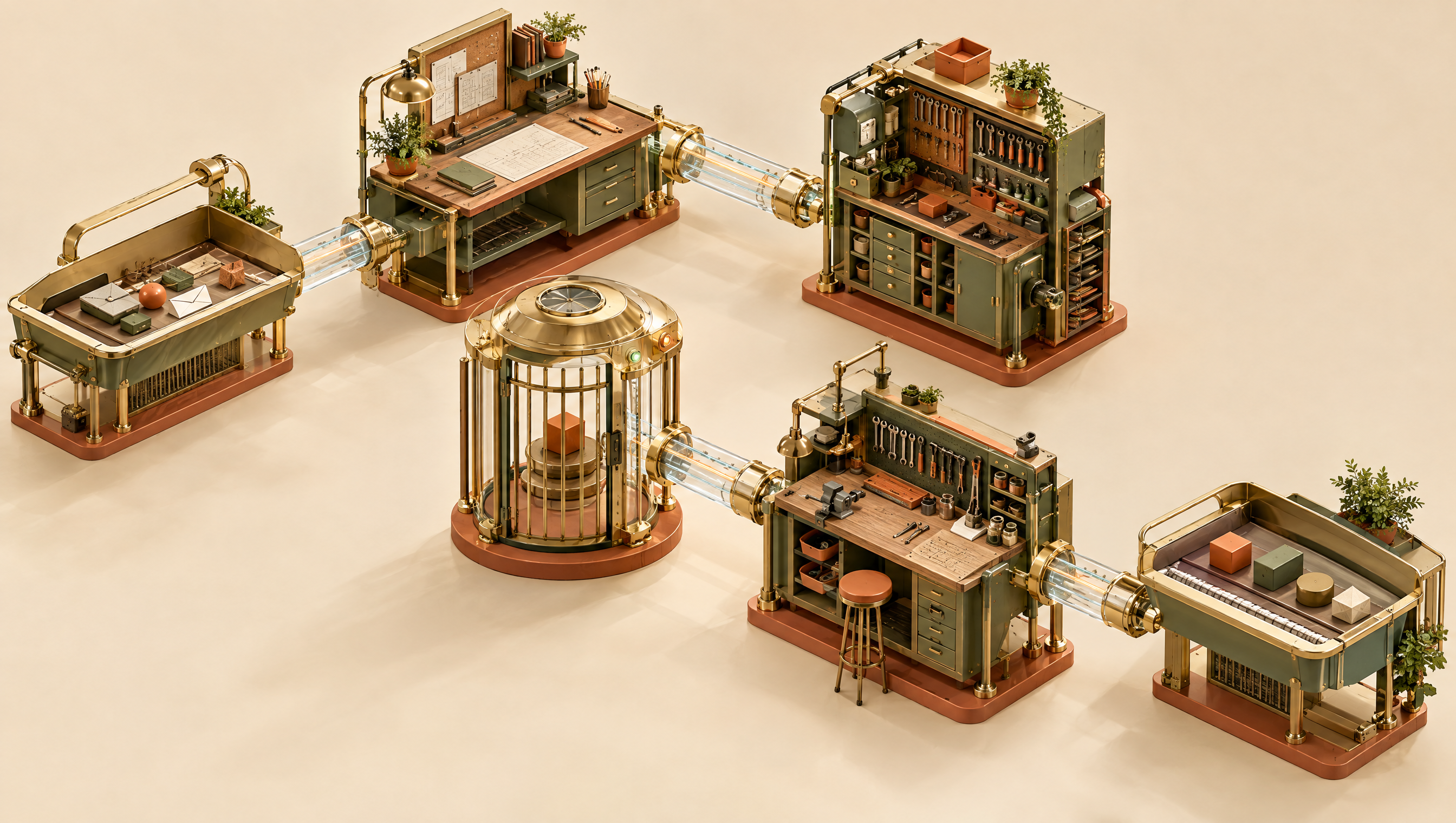
An AI agent harness is the surrounding system that gives a model tools, instructions and boundaries. The workshop makes those pieces tangible. Six separate stations are visible, although the connections should be read as an artistic metaphor—not a working engineering diagram.
Copy the exact prompt
Museum-quality exploded-view isometric miniature workshop suspended in warm cream space: six beautifully engineered brass and sage modules connected by precise translucent channels, intake tray, planning desk, tool cabinet, gated approval chamber, workbench and output tray. A tangible metaphor for an AI agent harness, no humanoid robots, no text, no logos. Architectural model photography mixed with exquisite technical illustration. Terracotta details, strong coherent light, intricate tactile materials, visual clarity.
3. The Human Checkpoint
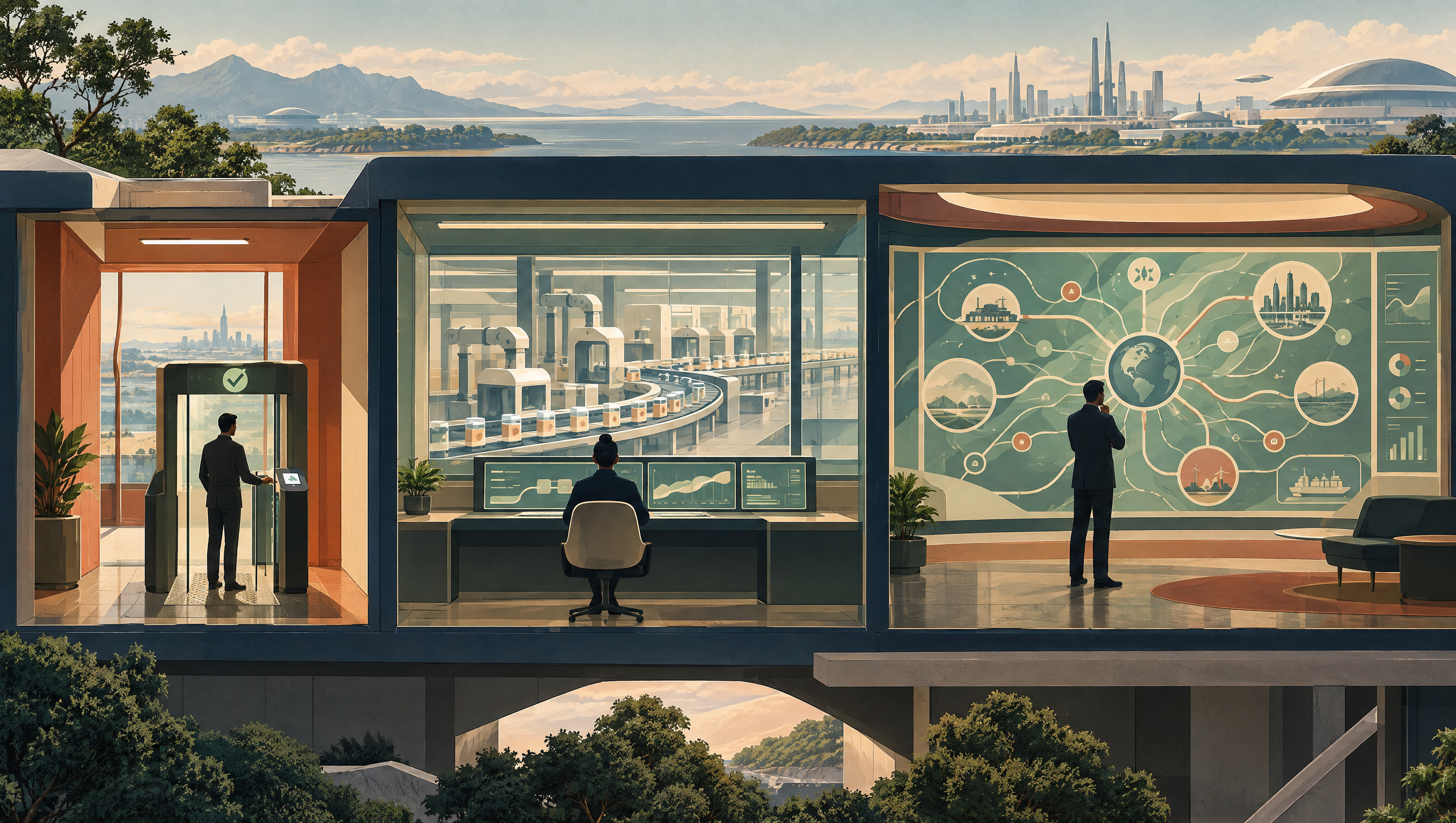
Approval, monitoring and system-wide review are different jobs. The three rooms give each one a distinct visual scale. This is conceptual artwork; the display graphics do not represent measured results or an actual control system.
Copy the exact prompt
Cinematic retrofuturist editorial illustration of three adjacent miniature control rooms in a cutaway building. Left a human silhouette at a physical approval gate, center a human monitoring a flowing production line, right a human studying a system-wide wall diagram. Beautiful restrained sage, terracotta, cream and deep navy palette. Clear different scales of oversight, no readable text, no real product interfaces, no company logos. Elegant architectural storytelling, not dystopian.
4. From Busy to Useful
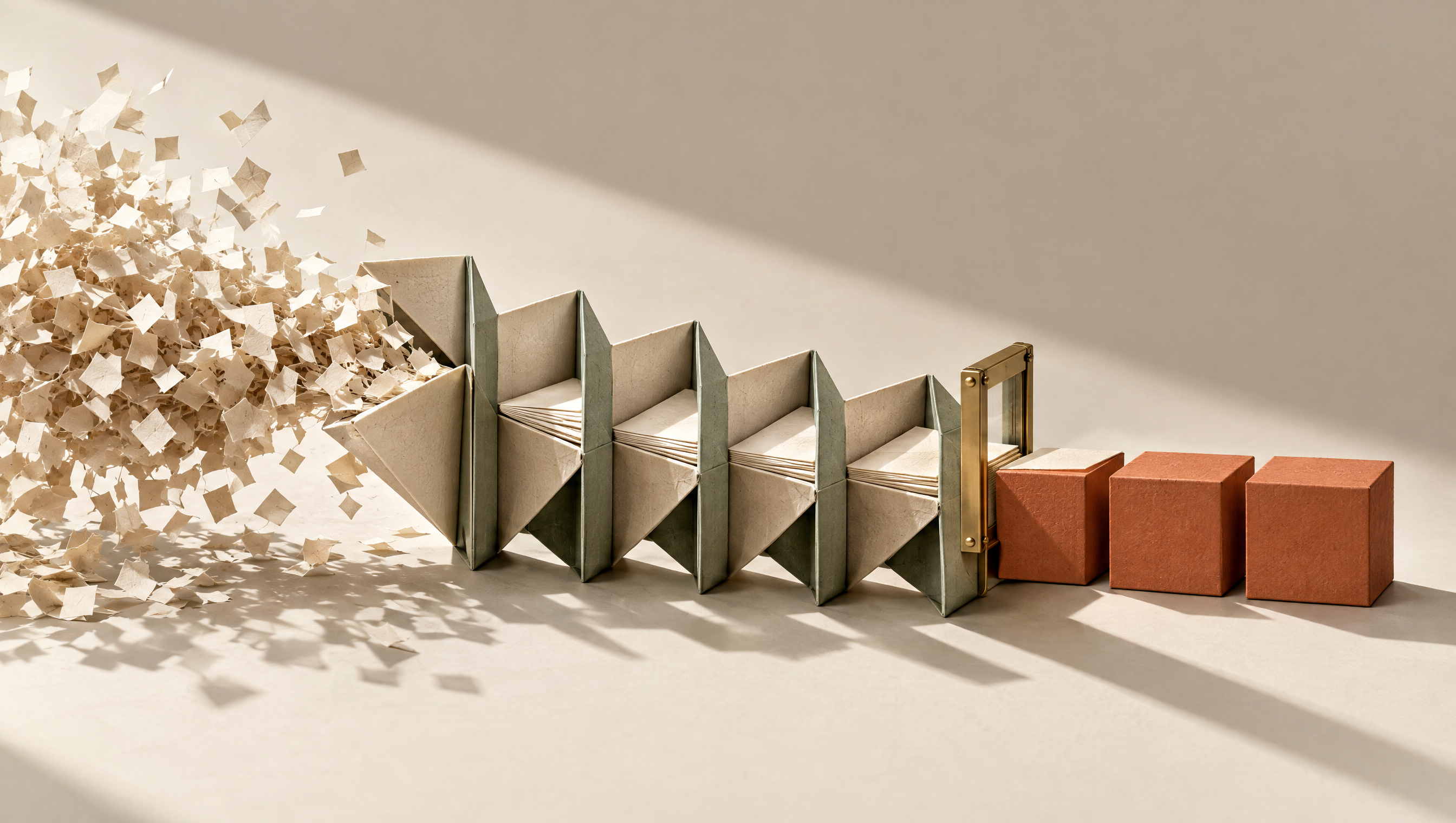
The left-to-right transformation turns a familiar automation question into a physical object: what useful output comes out? Three finished cubes are visible beyond the inspection gate. The folded structure is suggestive, not a validated six-stage process diagram.
Copy the exact prompt
Extraordinary high-end editorial still life: a sculptural folded-paper machine turns a chaotic cloud of tiny cream paper slips on the left into three meticulously finished terracotta cubes on the right. Six distinct connected folds imply stages, sage structural ribs, brass inspection gate just before finished output. Cream seamless studio, directional sunlight, deep fine shadows, tactile paper fibers. A visual metaphor for useful automation and accepted outcomes rather than activity. No text, numbers, logos or charts.
5. The Moving Frontier
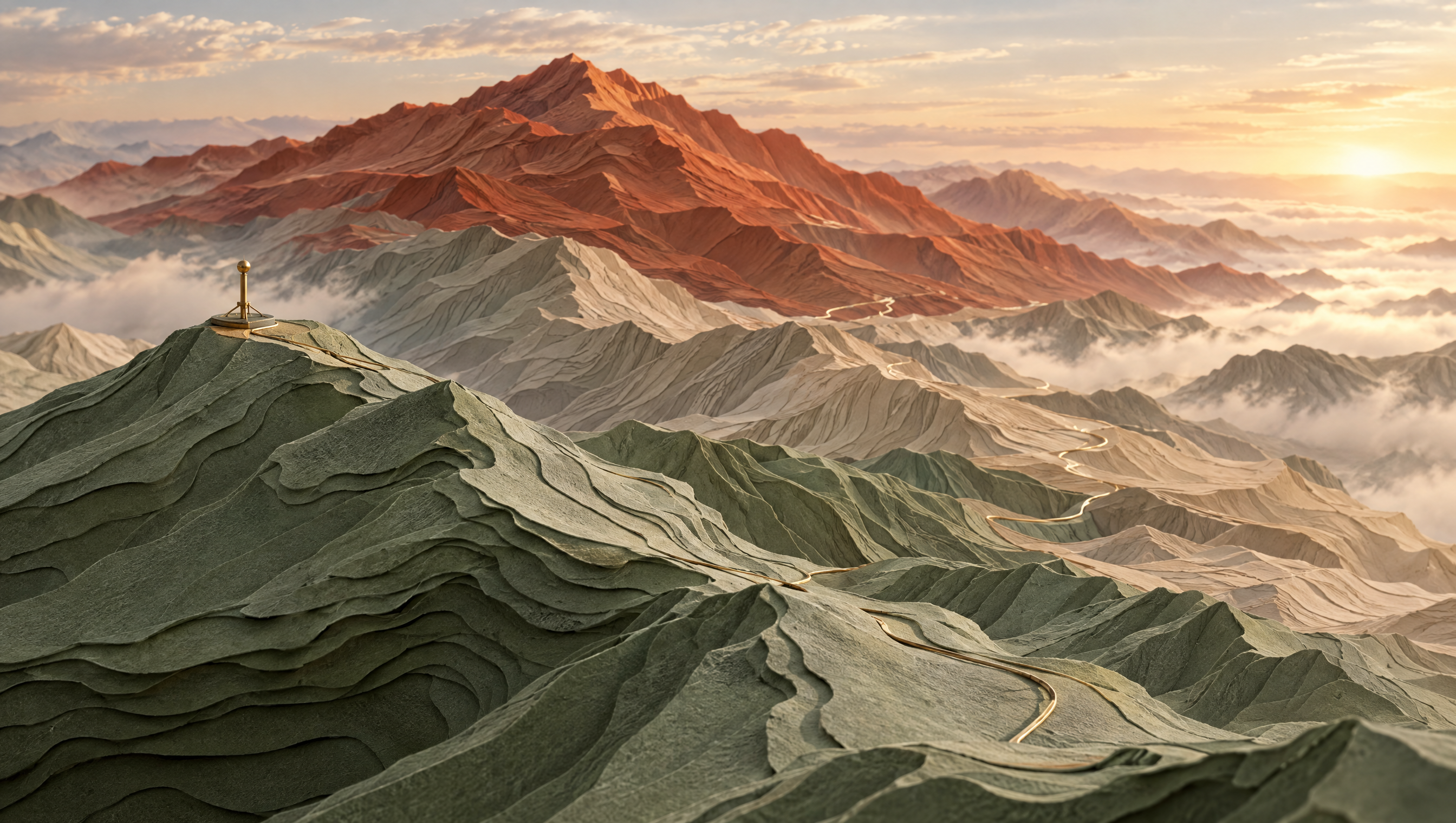
The layered peaks revisit the idea of a frontier model: the leading edge shifts as capabilities improve. The image gives that abstraction texture and scale. It is not a ranking of models or a real landscape.
Copy the exact prompt
Sweeping impossible landscape formed from layered cream contour-paper mountains, the nearest ridge sage and the distant highest ridge terracotta, a fine brass path threads between them towards an illuminated but distant horizon. A tiny movable surveying marker at a ridge summit suggests a frontier that shifts. Premium architectural maquette blended with cinematic landscape art. No real geographic location, no people, no text or logos. Wide atmospheric composition, rich tactile textures, beautifully restrained color.
6. Where the Model Looks
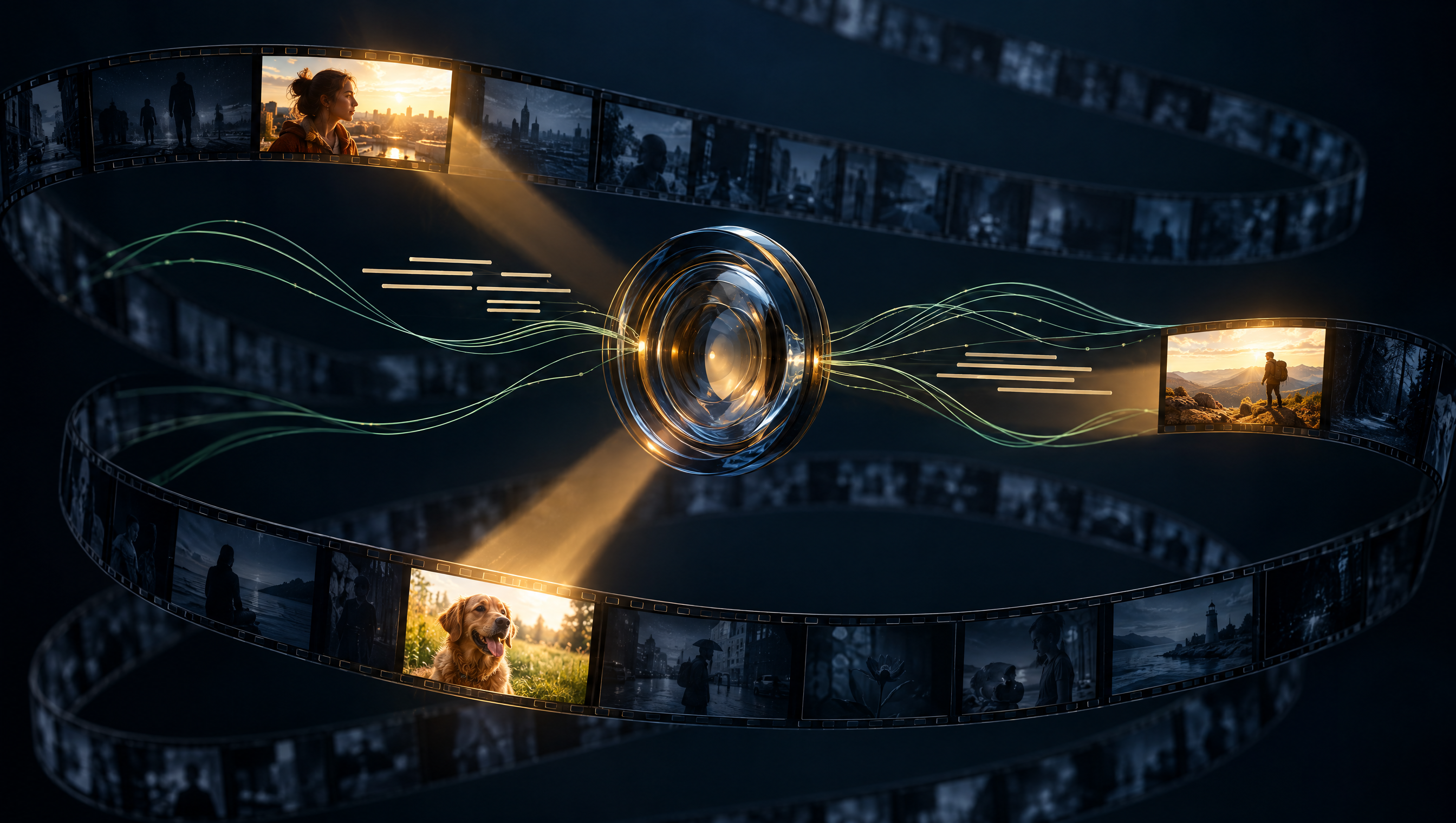
A glass lens and three highlighted frames make selective video inspection visible. The surrounding dim frames are as important as the bright ones. This illustrates a question about attention; it is not a screenshot or a claim about any particular model’s internal operation.
Copy the exact prompt
Stunning conceptual editorial visualization: a long ribbon of miniature cinematic frames spirals through a dark navy space, only three frames crisply illuminated by amber inspection beams from a beautiful central glass lens. Other frames remain visibly dim; thin sage audio-wave threads and cream transcript-like lines converge near the lens without readable words. Communicate selective attention rather than total surveillance. Sophisticated optical materials, dramatic depth, no logos, no real product UI, no text.
A controlled edit: change the motorcycle, keep the poster
The seventh image uses the first poster as its reference. The instruction was deliberately narrow: change the painted motorcycle panels to cobalt blue and preserve everything else.
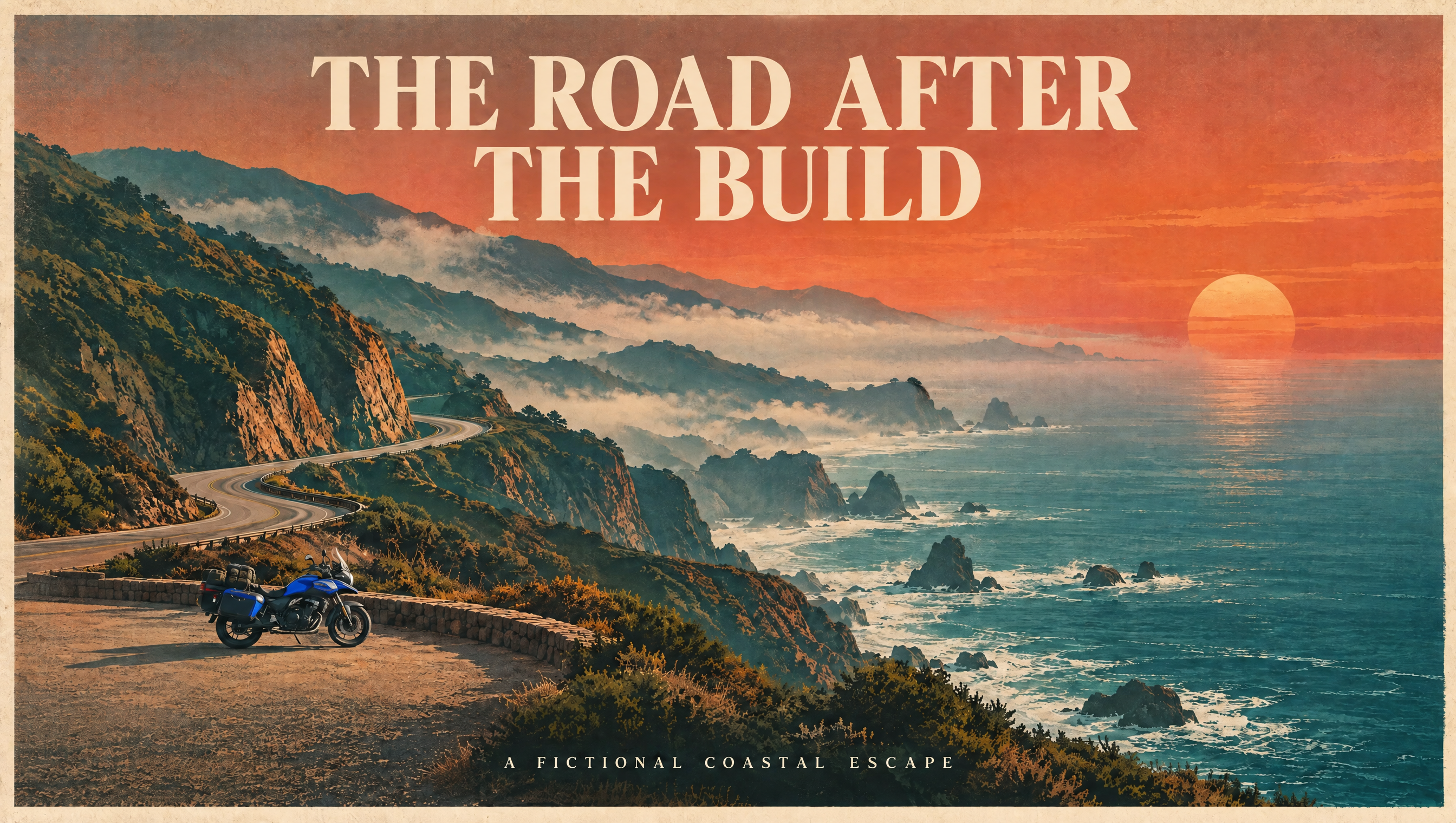
Make exactly one targeted edit to this poster: change the motorcycle’s painted body panels to bright cobalt blue. Preserve the title and subtitle exactly, preserve all typography, road geometry, cliffs, ocean, sunset, fog, layout, textures and every other object. Do not change motorcycle position or shape. Everything except its painted body-panel color should remain as close to identical as possible.
Observed result: the motorcycle’s painted areas became visibly blue. At the reviewed viewing scale, the wording, road, sunset and overall layout remained visually consistent. This is not a pixel-difference analysis, and it does not establish that every unrelated pixel was preserved. It is one edit on one illustration, not proof of reliability across many edits or reference photographs.
How to make a useful image series
- Give each image a job. A cover needs a strong composition; an explainer needs a readable relationship between ideas.
- Specify the visual language. Name the palette, materials, light and layout—not just “make it amazing.”
- Separate art from evidence. A generated mountain is fine as a metaphor. A generated route map is not a substitute for verified directions.
- Write down what must stay. For edits, list the elements that should not change.
- Inspect the result. Check spelling, object count, physical details and unintended changes before using it.
FAQ
Were these images made in ChatGPT?
No. They were generated with OpenAI’s GPT-Image-2.5 Flare model through Higgsfield. The distinction matters: a model demonstration is not a review of the ChatGPT interface.
Can I reuse the prompts?
Yes—copy them and adapt the subject, palette or composition. Outputs vary; the same prompt does not guarantee an identical image.
Does this prove Images 2.5 is better than Images 2.0?
No. There is no matched comparison here. This is a seven-image creative gallery with one targeted edit, not a benchmark.
The useful question is not only whether an image looks impressive. It is whether the image serves its purpose—and whether a revision preserves the parts that already worked.